File Ecosystem
Oct 25, 2026
I kept running into the same small problem: a file would be useful in one place, then awkward to use everywhere else.
An image might live in a folder on my computer, get uploaded to a storage bucket, and end up linked from a note or a blog post. A week later, I would need to find it again, remember which service held it, and hope the URL still made sense. The file itself was simple. The workflow around it was not.
So I spent the day building IBX into more of a drive: one place where files have directories, can be found from a UI or terminal, and can move between the tools where I write and publish.
A file needs a place
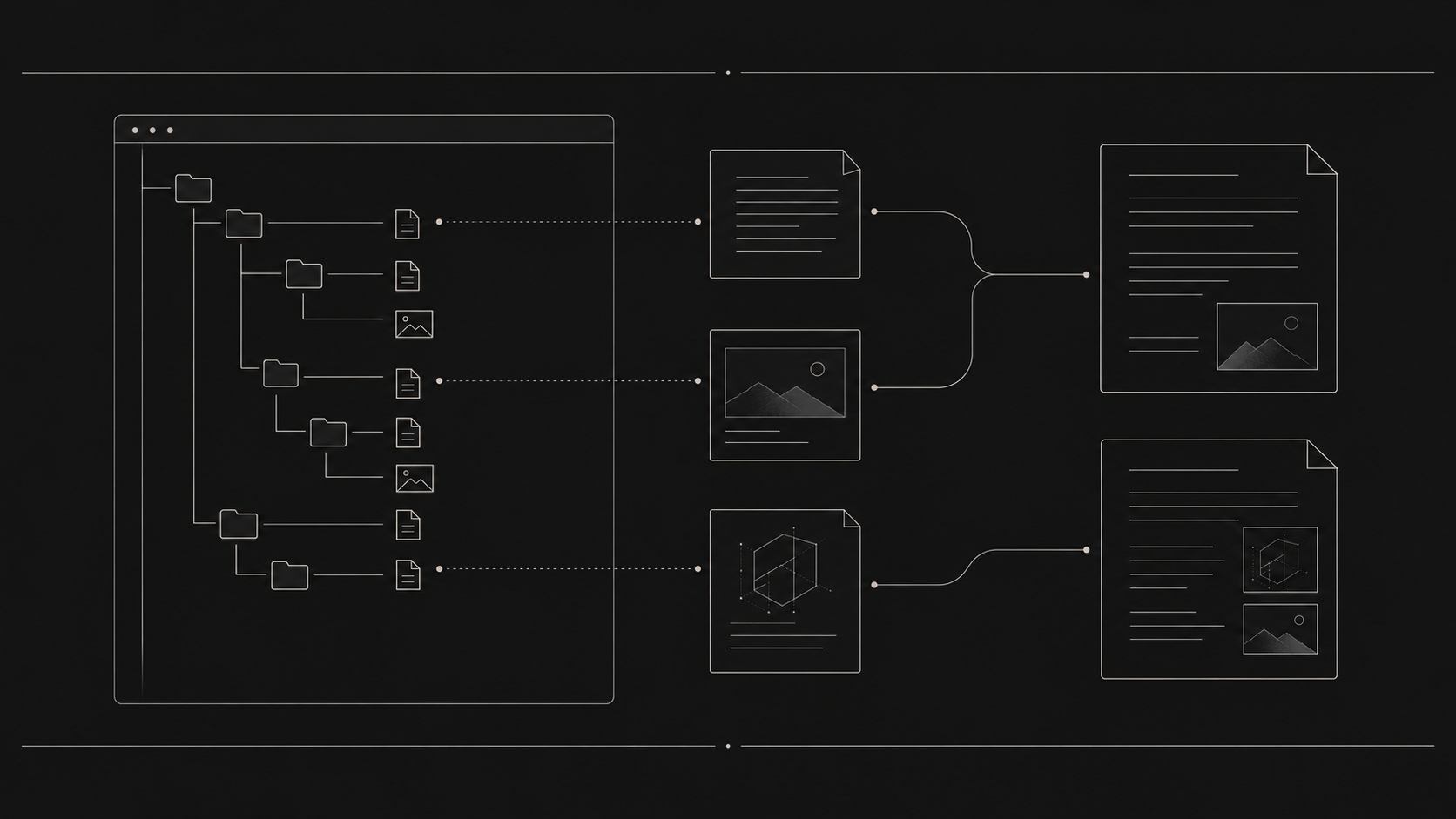
The first step was adding real directories. A file can live at the root or under a path such as content/2026/10/25. Folders show up alongside files, can be opened, and can receive files. Public URLs follow the same directory structure, so a link can tell you where an asset belongs instead of hiding everything behind an opaque storage address.
That matters for my blog workflow. I use p to publish an image, and now it uploads through the IBX CLI into a dated content directory. The resulting link still uses cdn.egeuysal.com, so existing blog content can keep a familiar CDN address while IBX owns the file and its path.
The upload limit is now 500 MB, which makes the same library useful for more than small screenshots. The UI also treats files like files: click a name to open it in an inline viewer, with previews for images, video, audio, PDFs, and other file types where the browser can display them.
The terminal is another way into the same library
I did not want a separate toy terminal with a different view of the world. The in-app terminal can work with the same files as the UI and API. It can show a nested tree, create directories, open a file, attach a file, and rename items.
The CLI follows the same model. An attachment does not need to belong to a task, and a directory can be supplied when I want to place it somewhere specific. That makes the tool useful from a shell script as well as from the app.
This is the part that makes IBX feel less like an upload form. I can work with the library in the way that fits the moment: browse folders visually, use a command when I know the path, or let another part of my workflow call the API.
Files should be useful inside notes
A public link is useful, but copying and pasting it every time still breaks the flow. Bri notes can now search the IBX library from an @ picker. I can type a few characters, choose a file, and insert the public file reference into the note. The picker stays out of the way when the text is just normal writing, and Enter can select the first match when that is what I mean.
The same connection reaches public profiles. Published files appear after the notes, grouped into folders, so a profile can show both writing and the resources behind it. The file remains in IBX; Bri is another place where it can be used.
Public links need to stay boring
A public link should be stable and easy to copy. During this work I found that opening a file from the public terminal could redirect through a short-lived R2 URL. That technically retrieved the object, but it made the link ugly and temporary. The fix keeps the public request on the IBX URL and streams the file through the app instead.
That distinction is small until a link is saved in a note, sent to someone, or embedded in a post. A storage provider’s temporary URL is an implementation detail. The link I share should belong to the product I am using.
I also kept checking the actual pages while building: folders had to render at the right width, the picker needed enough room to show file names, previews had to work on public pages, and tree needed to include nested directories. The overall feature only feels complete when those everyday interactions hold together.
What I want IBX to be
IBX is becoming the shared file layer for my own work. It gives me a library with folders, a usable terminal, a CLI for scripts, and public links that Bri and my blog can use. I can upload an asset once and reach it from more than one surface without copying the file between separate systems.
That is a more useful idea than “file hosting.” It is closer to a personal drive that is part of the tools I already use. There is still more to refine, especially around speed and the details of large uploads, but the main pieces now fit together.
The goal is simple: put a file somewhere predictable, then make it available wherever the work needs it.
If you want to try it, IBX is open for anyone to use: sign up at ibx.egeuysal.com. Bri is open too: create an account at bri.fyi.
Loading comments…